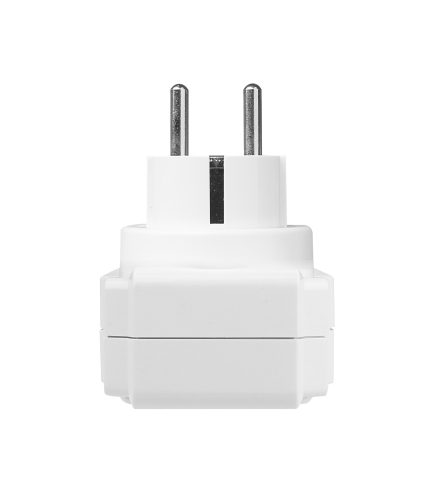
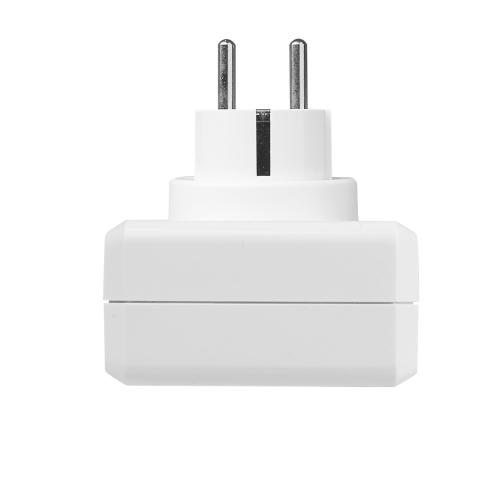
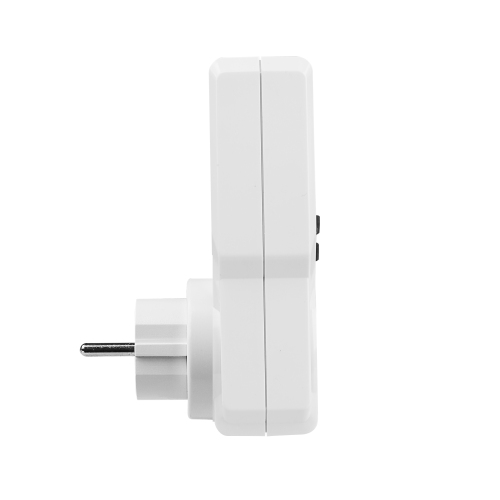
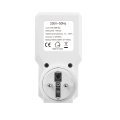
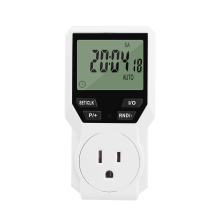
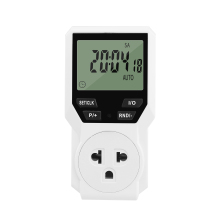
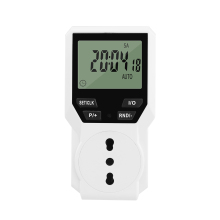
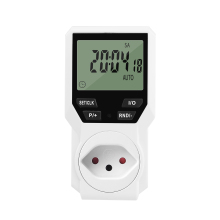
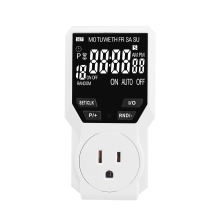
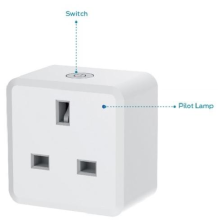
Product description
INSTRUCTION MAUAL
TM07
1. Features
Clock display, 10 or 18 optional sets of adjustable timed power control, randomized power control, manual/auto switch, optional DST and count down setup.
2. First time charging
This timer contains a rechargeable battery. It is normal that the new/old model runs out of battery if it wasn’t being charged for a long period of time. In this case, the screen will not turn on.
To charge: simply plug the timer to a power outlet. The charging time should take at least 30 minutes.
If the screen doesn’t light up or displays garbled characters, simply reboot the system by pressing the “RESET” button.
3. Set clock
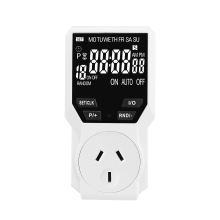
· Long press the “RND” button, the clock shows 12 hrs ~ 24 hrs switch.
· Long press “P/+” button, set daylight saving time, clock hours plus 1 hour; Press the“P/+” button again to cancel daylight saving time, reduce 1 hour.
· Long press the SET button to enter the clock settings.
· Press the “SET/CLK” button, setting hour, minute, week.
· Press the “P +” button or the “RND -” button, adjust the data of the hour, minute, week.
· Press the “SET/CLK” button to confirm and exit the clock setting interface.
4. Manual control
Displayed features:
ON : socket turns on.
OFF : socket turns off.
AUTO : socket turns on/off automatically via timer.
Manual ON setting.
Press “I/O” button to switch from “AUTO” to “ON”.
This mode allows socket of the device to power up. Power indicator will light up.
Manual OFF setting.
Press “ON/AUTO/OFF” button to switch from “AUTO” to “OFF”.
This mode turns socket of the device off. Power indicators will turn off.
5. Set timer
Timing settings:
Press “P/+”button, enter into the timing setting interface: select and set timer. Setting rotation: 1 on, 1 off, 2 on, 2 off, ...… , 10 on, 10 off (Or optional with up to 18 on, 18 off)。
Press “RND/ -”button to return back the last interface.
Press “SET/CLK” button to to set the hour, minute, week.
Press “P/+” or “RND/-” button again to adjust the data of hour, minute, week.
Press “SET/CLK” button again to confirm and exit the setting interface.
Press the “I/O” button to cancel the selected ON or OFF timer. The screen will show “-- -- : -- --”, the timer is canceled.
press the “I/O” button again to reactivate the timer.
Long press the “SET/CLK” button, exit the timer and return to the clock display immediately.
6. Random function
Press “RND/-” button to activate random function, press again to cancel function.
System only runs random function when “AUTO” is on.
Random function will automatically start the timer from 18:00 to 6:00 after the setting.
In this time range, the time of program timing setting will be randomly delayed by 1~32 minutes.
If the time range of the timing setting is more than 18:00 ~ 6:00, the timing switch will be on time without random function.
7. Countdown Mode
Press "P/+” and “RND/-” both for nearly 1 second to enter the Countdown Mode.
Press the "SET/CLK" button to select and setting the hour, minute and second;
Press the "P +" button or the "RND -" button to adjust the data of hour, minute, second;
Press the "I/O" button to cancel the countdown setting and exit the countdown setting interface. Then press the "SET/CLK" button to confirm and exit the setting.
During countdown time working, press the “I/O” button to start or stop the countdown,
Long press the “SET/CLK” button to return to the clock display, and stop the countdown.