

Sign In Join Free


1 / 2
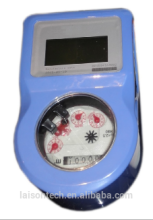
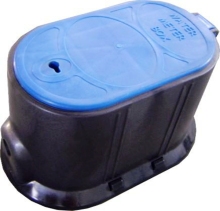
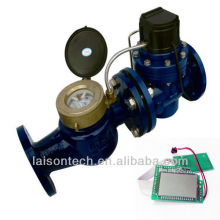
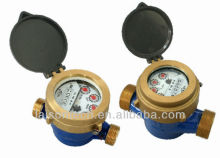
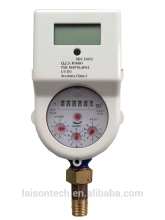
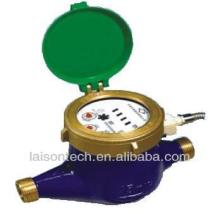
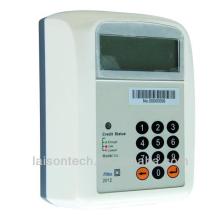
STS bluetooth prepaid water meter


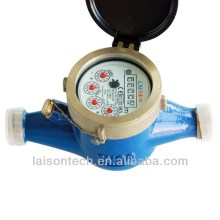
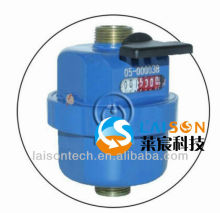


Basic Info
| Model No. | LXSZ |
|---|---|
| Brand Name | LAISON |
Product description
Moreover, Automatic Meter Reading with/without valve control (AMR/AMI) function is also available, which could realize remote meter data collection & monitor;
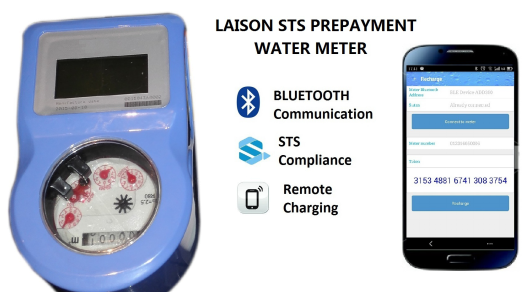
It is compatible support with both bluetooth and?Infrared communication?, which comply with OIMLR49, ISO4064. and conforms to STS standard protocol
? ? ?
2. Meter Recharge1)Put the meter number into LAPIS on mobile. 2)Payment through mobile money. 3)?A 20-digits token after purchasing water through LAPIS APP remotely. 3.1 Alarm Value |
STS bluetooth prepaid water meter
Send your inquiry to this supplier
You may also be interested in
Product Categories





Product Alert
Subscribe to your interested keywords. We will send freely the latest and hottest products to your Inbox. Don't miss any trade information.
Your use of this website constitutes acknowledgement and acceptance of our Terms & Conditions.
Copyright ? 2009-2026 Bossgoo Co., Ltd. All rights reserved.
